To migrate legacy journals to digital platforms, start by evaluating your physical collection and selecting appropriate high-quality scanning equipment to guarantee accurate color reproduction. Develop protocols to handle fragile documents carefully and establish standards for resolution and data integrity. Organize files with clear metadata, implement OCR for searchability, and plan for regular backups. Prioritize physical preservation alongside digital migration, and stay updated on best practices. Following these steps will guide you through a smooth, effective transition.

Turn your quiet moments into listening time
- Thousands of audiobooks, podcasts and originals
- Listen on your phone, tablet or Echo — also offline
- Cancel anytime
Key Takeaways
- Develop a comprehensive migration plan outlining digitization workflows, storage protocols, and access strategies.
- Select appropriate scanning equipment and set standards for resolution, color accuracy, and quality control.
- Digitize journals with attention to physical preservation, ensuring careful handling and secure storage of original materials.
- Organize digital files using consistent metadata, naming conventions, and implement OCR for searchable content.
- Conduct regular quality reviews, address errors promptly, and plan for format migration to maintain digital integrity over time.
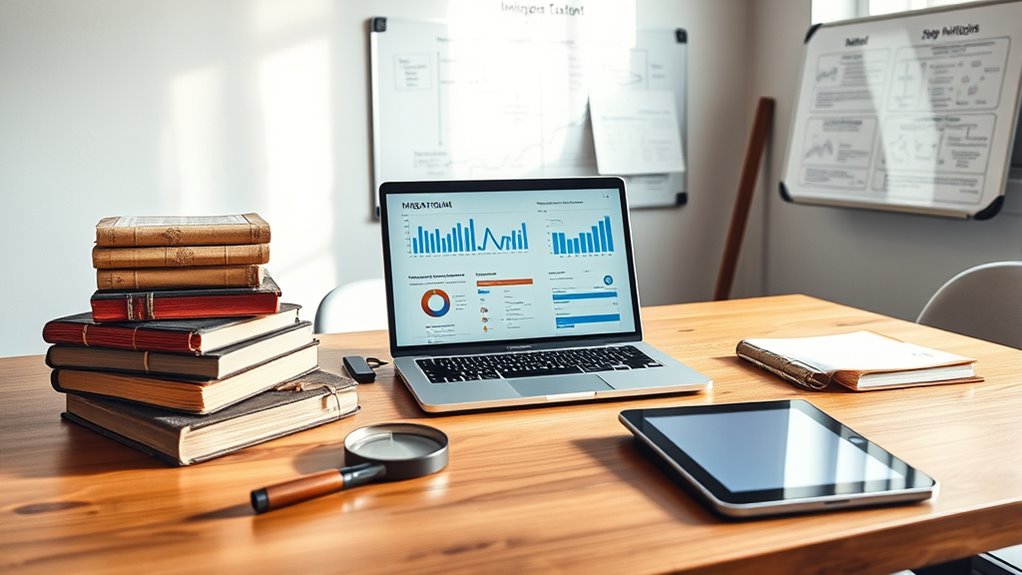
Migrating legacy journals can seem intimidating, but with a clear plan, you can guarantee a smooth shift to modern systems. One of the most significant hurdles you’ll face during this process is addressing digitization challenges. These include ensuring high-quality image capture, managing fragile or deteriorating materials, and maintaining data integrity throughout the process. To overcome these issues, you need robust digitization strategies that prioritize accuracy and preservation. This involves selecting appropriate scanning equipment, setting standards for resolution and color accuracy, and establishing protocols to handle delicate documents safely. The goal is to produce digital copies that faithfully represent the original materials, minimizing the risk of data loss or distortion. Additionally, understanding the importance of color accuracy can greatly improve the visual fidelity of digital reproductions. As you move forward, it’s crucial to develop preservation strategies that safeguard the integrity of your legacy journals. Physical preservation remains essential even as you digitize, especially for materials that are fragile or historically significant. Implement climate-controlled storage, proper handling procedures, and conservation techniques to extend the lifespan of the original journals. Simultaneously, your digital files should be stored securely with redundant backups and proper metadata to guarantee long-term accessibility. Planning for format migrations and periodic updates is indispensable to prevent digital obsolescence, which can threaten the usability of your digital archives in the future. Another key aspect is organizing the digitized content efficiently. Establish a consistent naming convention and metadata standards that make searching and retrieval straightforward. This organization saves time and reduces frustration when users access the journals later. You should also consider implementing OCR (Optical Character Recognition) technology to make the content searchable, which adds tremendous value for researchers and archivists alike. Throughout the migration, you’ll need to remain vigilant about quality control. Regularly review samples of digital files to verify quality, accuracy, and completeness. This step helps catch any issues early, such as missing pages or scanning errors, so you can correct them before they become larger problems. Engaging with experts in preservation and digitization can give you insights into best practices and emerging technologies, helping you stay ahead of potential digitization challenges.
Popular right now

LG C2 Series 65-Inch OLED evo 4K Smart TV (OLED65C2PUA, 2022)

Roborock Q7 M5+ Robot Vacuum and Mop

Dreame L40 Ultra Gen 2 Robot Vacuum and Mop
As an affiliate, we earn on qualifying purchases.
Frequently Asked Questions
How Do I Handle Copyright Issues During Migration?
You handle copyright issues during migration by securing copyright clearance for all content. Verify the intellectual property rights associated with each journal, and obtain necessary permissions from copyright holders before digitizing. Keep detailed records of your permissions to avoid legal issues. If some content lacks clear rights, consider restricting access or replacing it with freely licensed material. Staying proactive guarantees your digital migration respects intellectual property laws.
What Are the Costs Associated With Digital Migration?
The costs for digital migration vary depending on your scope, so start with a thorough cost analysis and budget planning. You’ll need to take into account licensing fees, platform development, data conversion, and ongoing maintenance. Additional expenses may include staff training and security measures. By identifying these costs early, you can allocate resources effectively, avoiding surprises and ensuring a smooth shift to your digital platform.
How Do I Ensure Data Security During Transfer?
You should prioritize data security during transfer, as 60% of breaches happen during data movement. Use robust encryption protocols like AES or TLS to protect your data in transit. Additionally, implement strict access controls to limit who can view or modify the information. Regularly monitor transfer processes for suspicious activity, ensuring your legacy journals stay safe and confidential throughout the migration.
What Are the Best Tools for Legacy Journal Migration?
You should consider tools like Open Journal Systems, which offers robust metadata management and supports user authentication for secure access. Additionally, platforms like DSpace and Islandora provide strong metadata handling and authentication options, ensuring your legacy journal migration is efficient and secure. These tools help you organize your metadata effectively and control user access, making the passage smoother and safeguarding your digital assets throughout the migration process.
How Do I Train Staff on New Digital Systems?
You realize that staff training is like opening a new chapter—unexpectedly rewarding. To guarantee smooth user onboarding, start with hands-on workshops that highlight key features of the digital system. Provide clear guides and encourage questions, fostering confidence. Reinforce learning with ongoing support and feedback sessions. As you invest time in their development, your team will adapt faster and embrace the new platform, turning initial challenges into lasting skills.
Conclusion
By following this step-by-step guide, you’ll smoothly migrate your legacy journals to digital platforms, ensuring better accessibility and preservation. Did you know that over 80% of researchers prefer accessing journals online? Embracing digital migration not only meets this demand but also future-proofs your archives. Take action today, and you’ll uncover new opportunities for engagement and discovery, making your journals more relevant and impactful in the digital age.