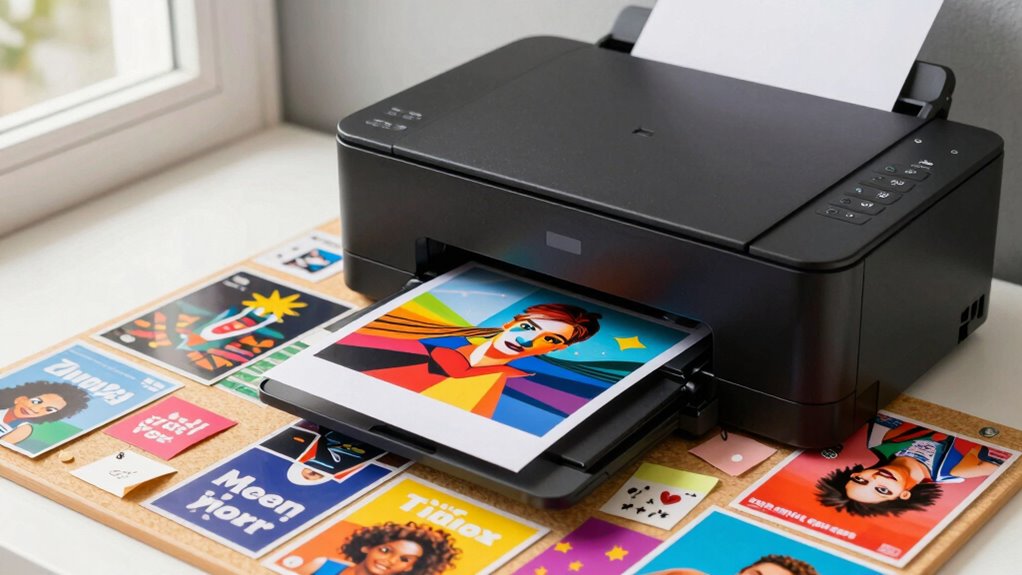
To improve your photo prints and vision boards, start with high-resolution images of at least 300 DPI for sharp details. Choose the right paper finish—glossy for vibrant colors or matte to reduce glare—and make certain your printer is well-calibrated with high-quality ink. Careful handling and appropriate mounting techniques prevent damage. By focusing on these key aspects, you’ll create stunning, professional-looking displays that truly stand out. Explore more tips to perfect your project and achieve excellent results.

Turn your quiet moments into listening time
- Thousands of audiobooks, podcasts and originals
- Listen on your phone, tablet or Echo — also offline
- Cancel anytime
Key Takeaways
- Use high-resolution images (at least 300 DPI) for sharp, clear prints suitable for vision boards.
- Select glossy or semi-gloss paper to enhance colors and make images stand out visually.
- Calibrate your printer regularly for accurate colors and optimal print quality.
- Properly handle and dry printed photos to prevent smudges and misalignments.
- Arrange images thoughtfully on the board, considering size, color balance, and thematic consistency.
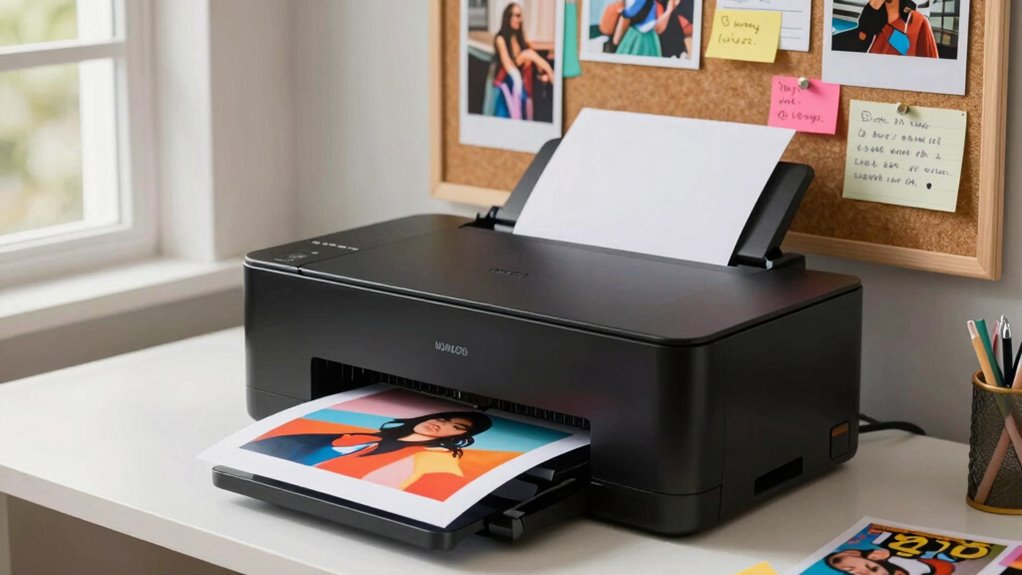
Have you ever wondered how to turn your dreams into reality? Creating a vision board is a powerful way to do that, and choosing the right photo printer plays an essential role in bringing your ideas to life. When you’re aiming for the best results, start by considering digital photo quality. High-resolution images ensure clarity and detail, making your vision board visually striking and inspiring. Low-quality photos can be blurry or pixelated, which diminishes the impact of your board. So, before printing, select images that are sharp and clear, ideally with a resolution of at least 300 DPI. This guarantees that every word, symbol, and picture appears crisp and professional.
Next, think about paper selection. The paper you choose influences the final look and feel of your printed images. For vision boards, you want something sturdy enough to last and look polished. Glossy paper enhances colors and adds a vibrant finish, making your images pop, but it can sometimes reflect light, which might be a concern if you plan to display your board in bright spaces. Matte paper offers a more subdued, elegant appearance and reduces glare, making it easier to view from different angles. If you want a premium look, consider semi-gloss or satin finishes for a balance between vibrancy and glare reduction. Additionally, thick cardstock or heavyweight paper provides durability, preventing tears or creases over time. Keep in mind that some printers handle specific paper types better than others, so check your printer’s compatibility before purchasing. Proper paper handling techniques can also improve the overall quality of your prints and prevent smudges or misalignments. Ensuring your printer is properly calibrated can further enhance print accuracy and consistency.
Once you’ve settled on digital photo quality and paper selection, focus on your printer’s capabilities. Investing in a quality photo printer with good color accuracy and resolution guarantees your images look true to life. Use high-quality ink to prevent fading and maintain vibrancy over time. For best results, print in batches and give each photo ample drying time before handling. Arrange your printed images thoughtfully on your chosen paper, and consider using a mounting board or adhesive to secure them firmly. This will keep your vision board looking neat and professional. To achieve optimal results, also consider color calibration to ensure color consistency across your prints. Additionally, understanding print resolution can help you select the right printer settings and achieve the sharpness you desire. Proper printer maintenance is also crucial for consistent quality, so regular cleaning and calibration can extend your printer’s lifespan and performance.
high resolution photo printer for vision boards
As an affiliate, we earn on qualifying purchases.
As an affiliate, we earn on qualifying purchases.
Frequently Asked Questions
What Are the Best Photo Printers for Beginners?
For beginners, the best photo printers are user-friendly and produce high-quality prints. Look for models that support photo paper easily and have excellent ink quality for vibrant colors. The Canon Pixma TS6320 and Epson Expression Home XP-4100 are great choices—they’re affordable, simple to operate, and deliver sharp, lasting images. Focus on printers that handle different photo paper sizes and have reliable ink cartridges for consistent, beautiful results.
How Do I Choose the Right Images for My Vision Board?
To choose the right images for your vision board, focus on image selection that resonates deeply with your goals and dreams. Seek visual inspiration from magazines, online platforms, or personal photos. Pick images that evoke positive feelings and motivate you daily. Keep it authentic and aligned with your aspirations. The right images will inspire clarity, focus, and a sense of possibility, helping you stay motivated on your journey.
Can Photo Printers Print on Materials Other Than Paper?
Yes, your photo printer can go beyond paper! It can print on a variety of alternative printing materials, transforming your vision board into a masterpiece. Think of non-paper printing options like fabric, canvas, plastic, or even metal. These materials open up endless creative possibilities, making your vision board stand out with texture and durability. Just check your printer’s specifications to guarantee it supports these materials, and get ready to push your creativity to the max!
What Size Should My Vision Board Be for Maximum Impact?
Choose a size that balances your space and desired visual impact. A larger vision board, like 24×36 inches, commands attention and inspires daily focus, while smaller sizes fit cozy spaces without overwhelming. Consider your room’s dimensions and your goals; bigger boards create a bold statement, maximizing motivation. Size selection directly influences visual impact, so pick a size that feels inspiring and suits your environment for the best results.
How Can I Preserve My Printed Photos and Vision Boards?
To preserve your printed photos and vision boards, store them properly in acid-free albums or archival boxes, keeping them away from sunlight, moisture, and extreme temperatures. You should also create digital backups by scanning or photographing your items, ensuring you have copies in case of damage or loss. Regularly check and update your storage methods to keep your cherished memories safe and intact for years to come.
As an affiliate, we earn on qualifying purchases.
Conclusion
In wrapping up, embracing the art of photo printing and vision boards can truly add a touch of magic to your life. With a little guidance, you’ll find the process more enjoyable and inspiring than ever. Think of it as gently nurturing your dreams and visions, turning them into beautiful realities. So, go ahead—bring your ideas to life with confidence and a sense of wonder, knowing that your creative journey is just beginning.
As an affiliate, we earn on qualifying purchases.
heavyweight cardstock for printing
As an affiliate, we earn on qualifying purchases.
As an affiliate, we earn on qualifying purchases.
Columbus Day / Indigenous Peoples' Day Picks
long weekend sales
As an affiliate, we earn on qualifying purchases.