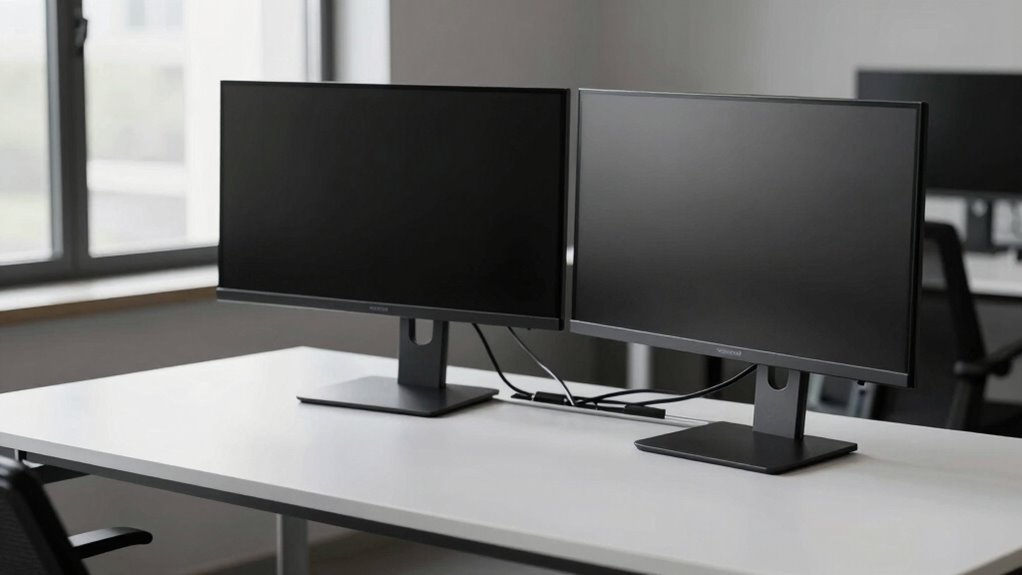

Using monitor arms with integrated cable management helps keep your desk tidy and free of distractions. They allow you to position your screens at eye level, reducing neck strain and boosting comfort. The built-in cable channels hide wires, preventing clutter and tangling, while freeing up workspace. This setup promotes a focused environment, making your tasks easier to manage. To discover how to optimize your workspace even further, keep exploring the options available.

Turn your quiet moments into listening time
- Thousands of audiobooks, podcasts and originals
- Listen on your phone, tablet or Echo — also offline
- Cancel anytime
Key Takeaways
- Use monitor arms with integrated cable channels to hide and route cables neatly, reducing visual clutter.
- Adjust monitor height and position at eye level to minimize neck strain and distractions.
- Implement cable management solutions like clips or sleeves to organize and secure wires out of sight.
- Keep workspace organized with minimal cables and accessories to maintain a clean, distraction-free environment.
- Choose high-quality monitor arms for stability and flexibility, supporting ergonomic comfort and a tidy desk.
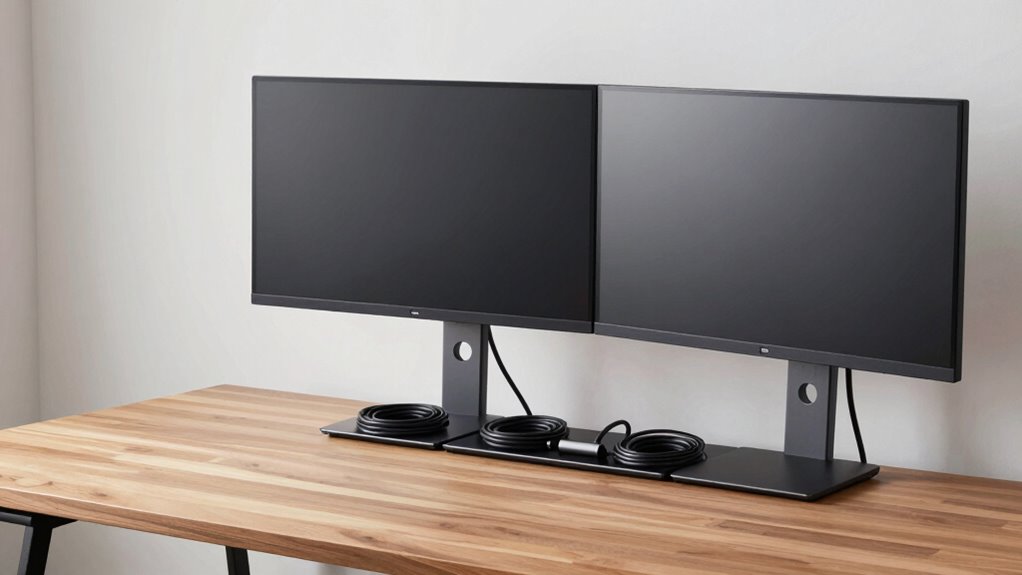
A cluttered desk can be distracting and reduce your productivity, but the right monitor arms and cable management solutions can make a significant difference. When you prioritize ergonomic adjustments, you not only improve your comfort but also create a more efficient workspace. Adjustable monitor arms allow you to position your screens at eye level, reducing neck and eye strain. This flexibility helps you maintain proper posture throughout the day and minimizes discomfort that can distract you from your tasks. Proper ergonomic adjustments foster a healthier workspace, making it easier to focus and work longer without fatigue.
Workspace organization plays an essential role in creating a distraction-free environment. Using monitor arms frees up valuable desk space by lifting your screens off the surface, giving you more room to work and organize other essentials. With your monitors elevated and positioned correctly, you can switch between tasks more seamlessly and avoid clutter that often accumulates around fixed stands. Cable management solutions tie in perfectly with this approach, helping you hide and route cables neatly along the arms or under your desk. When wires are out of sight, your workspace looks cleaner, and you’re less likely to trip over loose cables or get tangled up in them. Additionally, cable management can help prolong the lifespan of your equipment by preventing cable strain and damage.
Investing in quality monitor arms with integrated cable management features makes your desk look streamlined and professional. You can run cables through the arms or along designated channels, which prevents them from dangling and creating visual chaos. This not only enhances workspace organization but also reduces the risk of accidental disconnections or damage to your equipment. Moreover, understanding ergonomic principles can help you optimize your setup for maximum comfort and productivity. Plus, a tidy setup can make troubleshooting and maintenance easier, saving you time in the long run.
monitor arm with cable management
As an affiliate, we earn on qualifying purchases.
As an affiliate, we earn on qualifying purchases.
Frequently Asked Questions
How Do I Choose the Best Monitor Arm for My Workspace?
To choose the best monitor arm, prioritize ergonomic benefits like adjustable height, tilt, and swivel to reduce strain. Consider your workspace size and monitor weight capacity to guarantee compatibility. Opt for a sleek design to boost aesthetic appeal and keep your desk clutter-free. Read reviews to find durable options, and make sure installation is straightforward. The right monitor arm enhances comfort, improves organization, and creates a cleaner, more appealing workspace.
What Materials Are Most Durable for Cable Management Solutions?
Imagine you’re setting up your workspace, aiming for sleek cable concealment. Steel and braided nylon are your best bets for material durability, offering strength and flexibility. Steel resists wear over time, preventing fraying or breakage, while braided nylon provides excellent abrasion resistance and flexibility. Choosing these materials guarantees your cable management remains intact and clutter-free, even after months of daily use. Their durability keeps your desk tidy and professional-looking long-term.
Can Monitor Arms Support Multiple Screens Securely?
Yes, monitor arms can support multiple screens securely. Look for models with strong, adjustable mounting options that provide dual monitor stability. These arms are designed to hold two screens firmly, offering flexibility to position them at eye level and reduce clutter. Make certain the arm’s weight capacity matches your monitors to prevent sagging or instability. Proper installation and choosing the right arm will keep your dual screens steady and improve your workspace ergonomics.
How Do I Organize Cables Behind a Standing Desk?
To organize cables behind your standing desk, start with cable concealment tools like cable trays or conduits to hide wires neatly. Use cord labeling to identify each cable quickly, reducing clutter and confusion. Secure loose cables with clips or zip ties, ensuring they don’t hang or get tangled. Regularly check and adjust your setup for a tidy, distraction-free workspace, making it easier to move and maintain your standing desk comfortably.
Are There Eco-Friendly Options for Monitor Arms and Cable Organizers?
Yes, eco-friendly options exist for monitor arms and cable organizers. You can choose products made from recycled materials, reducing waste and your environmental footprint. Biodegradable options are also available, breaking down naturally without harming the planet. These sustainable choices not only help protect the environment but also keep your workspace tidy and modern. By opting for eco-conscious gear, you make a positive impact while enjoying functional, stylish desk accessories.
ergonomic monitor arm adjustable
As an affiliate, we earn on qualifying purchases.
As an affiliate, we earn on qualifying purchases.
Conclusion
By investing in monitor arms and organizing your cables, you’ll create a cleaner, more focused workspace. Some might think it’s too complicated or costly, but the benefits outweigh the effort. Once set up, you’ll enjoy improved posture, reduced clutter, and enhanced productivity. Don’t let worries hold you back—taking these small steps transforms your desk into a calm, distraction-free zone. Start today, and experience the difference a tidy desk can make!
As an affiliate, we earn on qualifying purchases.
monitor mount with built-in cable channels
As an affiliate, we earn on qualifying purchases.
As an affiliate, we earn on qualifying purchases.
Fall Picks
fall essentials
As an affiliate, we earn on qualifying purchases.